What we use, and why

Our Dental Technology

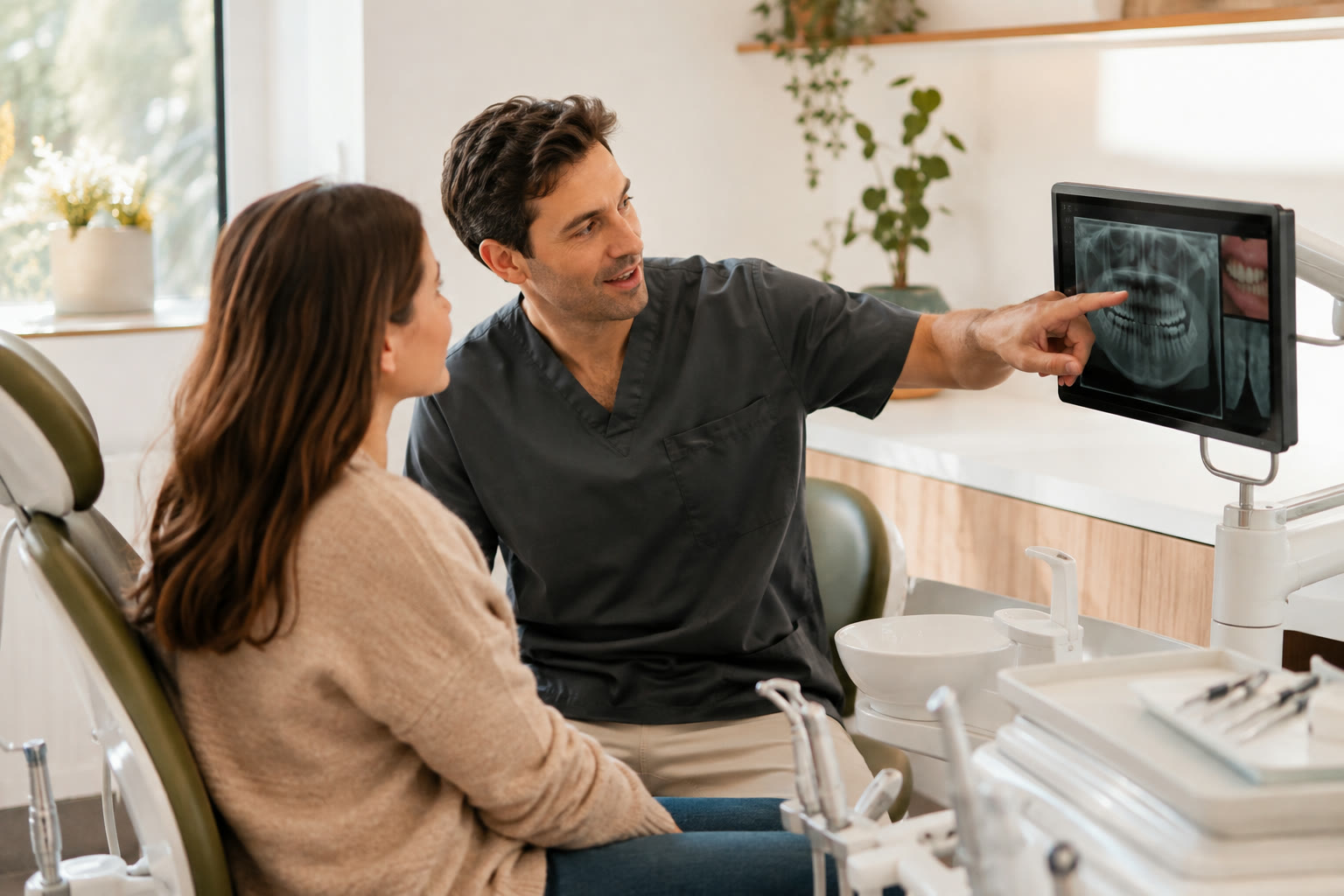
Being told you’ve got a crack you can’t see is hard to take on trust. So we put your X-ray or a close-up photo up on the screen, and point to the exact tooth we mean.

Dentist and patient reviewing dental images on a chair-side screen
1

Spot what the eye can’t, like decay between teeth

2

Look at the same picture while we explain it

Pick a problem

Which tool fits your problem?

Tap a problem, or a tool’s name, to see what we’d look for, what you’d see in the chair and what usually happens next.

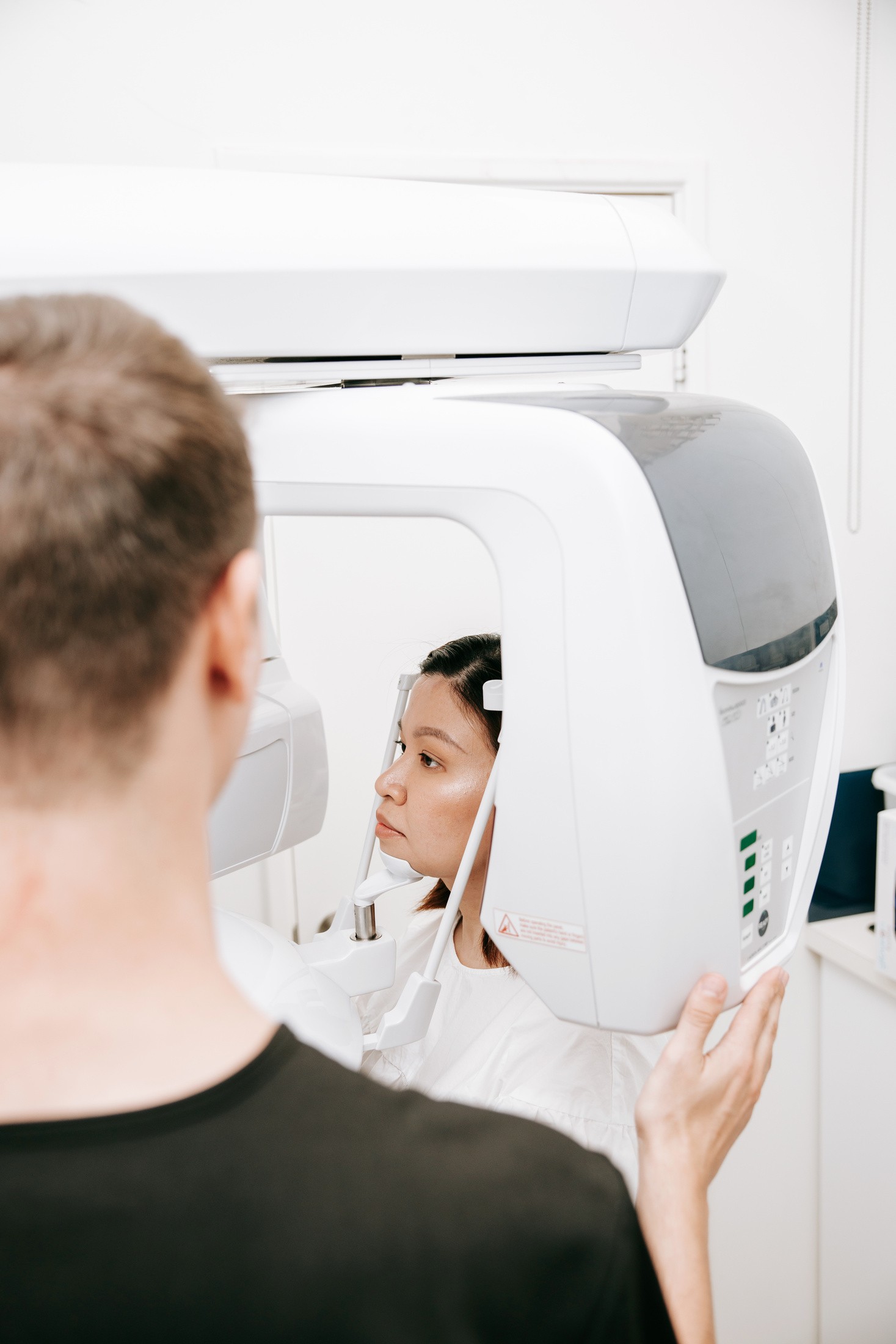
Digital radiography equipment used during a dental assessment
Digital radiography

Digital X-rays show what’s hidden: between teeth, under old fillings and around the roots. They use less radiation than the old film kind.

Digital radiography

What you notice

A tooth aches, or it’s tender when you bite, or an old filling just feels different.

What we look for

Decay between teeth, what’s going on under fillings, and the bone and roots below the gum.

What you’ll see

The image is ready in moments, so we can go through it with you there and then.

What comes next

We’ll say what the X-ray shows and what it can’t, and what we’d suggest from here.
Step by step

A picture’s only useful if someone explains it

What have you noticed?

A sore tooth, a chip, staining and bleeding gums each send us looking in a different place, so say what you can feel, see or want to change.

Then the right picture

An X-ray, a camera photo or the planning screen, and only when it’ll show something words can’t.

We point to what we found

Right down to the exact tooth. It’s much easier to ask questions when we’re both looking at it.

The next step is your call

A recheck at your next visit, a filling, a referral elsewhere, or a separate cosmetic consultation.

A patient and dental team member reviewing treatment options on a screen
Three situations

Different problems need different pictures

When the problem’s out of sight

Digital X-rays show what sits between and under teeth. We still read them alongside your symptoms, your history and what we see in your mouth.

When words fall short

Camera photos and the chair-side monitor let you see the exact spot we mean, which makes comparing options easier.

When it’s how your smile looks

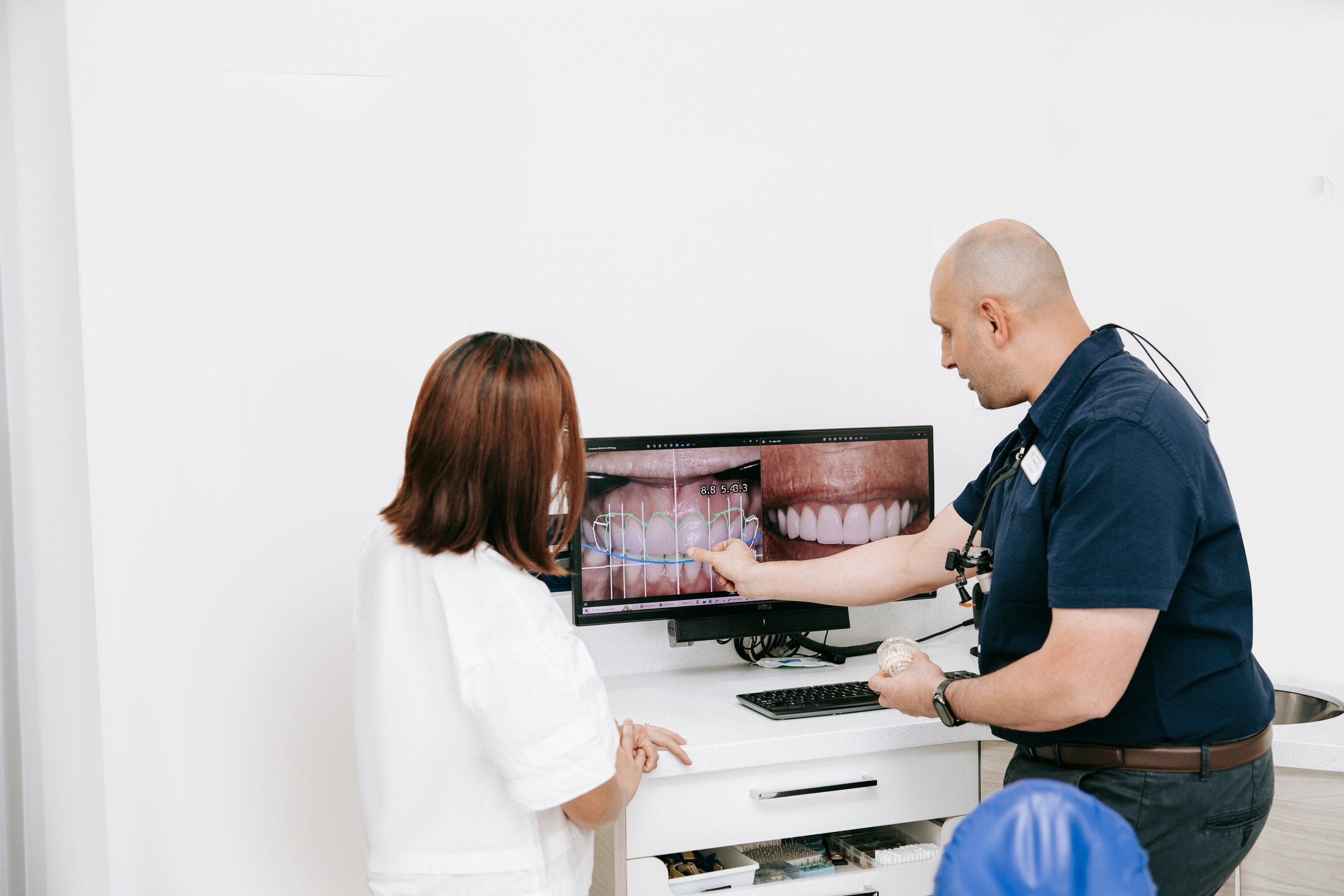
Digital Smile Design gives you a look at possible changes before anyone plans treatment.

Smile planning

A sketch of your smile, before anything changes

Digital Smile Design starts from a photo of your smile and sketches a possible change: whiter teeth, veneers, bonding or reshaping. It’s a starting point, not a promise. Whether it suits you, the risks, the timing and the cost all come after we’ve checked your teeth and gums.

Unhappy with your smile?
A dentist pointing to a digital image of a smile on a screen
Technology questions

Questions about X-rays and cameras

The things people tend to ask once they’re in the chair and the monitor comes on.

The dose is very small, and digital X-rays use less radiation than the older film kind. We only take one when it’ll show us something we need for your care. If you’re pregnant, or might be, let us know first so we can decide whether it can be put off.

Mostly, it lets you see what we see. An X-ray shows what’s between and under your teeth, the camera gives a close-up of a crack or worn edge, and the chair-side computer keeps your images and plan in one place. None of it replaces the check-up itself. It helps us explain what the check-up found.

No. A routine check-up, a sore tooth, a gum problem and a cosmetic consultation each need different information. Some visits need an X-ray, some just a photo, and some nothing beyond a good look. If we reach for a tool, we’ll say why.

Not on its own. An image shows part of the picture. We still need to examine your mouth, ask about your health and talk through the risks before recommending anything. Digital Smile Design works the same way: good for shaping a conversation about a cosmetic change, not a promise of how your teeth will end up.

Ask us to point out what it shows, and what it can’t show by itself. Then ask how it changes your options: whether we’d watch it, fix it now or need more information first, and roughly what each choice costs.